
Discover and preview VS Code, Ghostty, Zed, and Obsidian themes
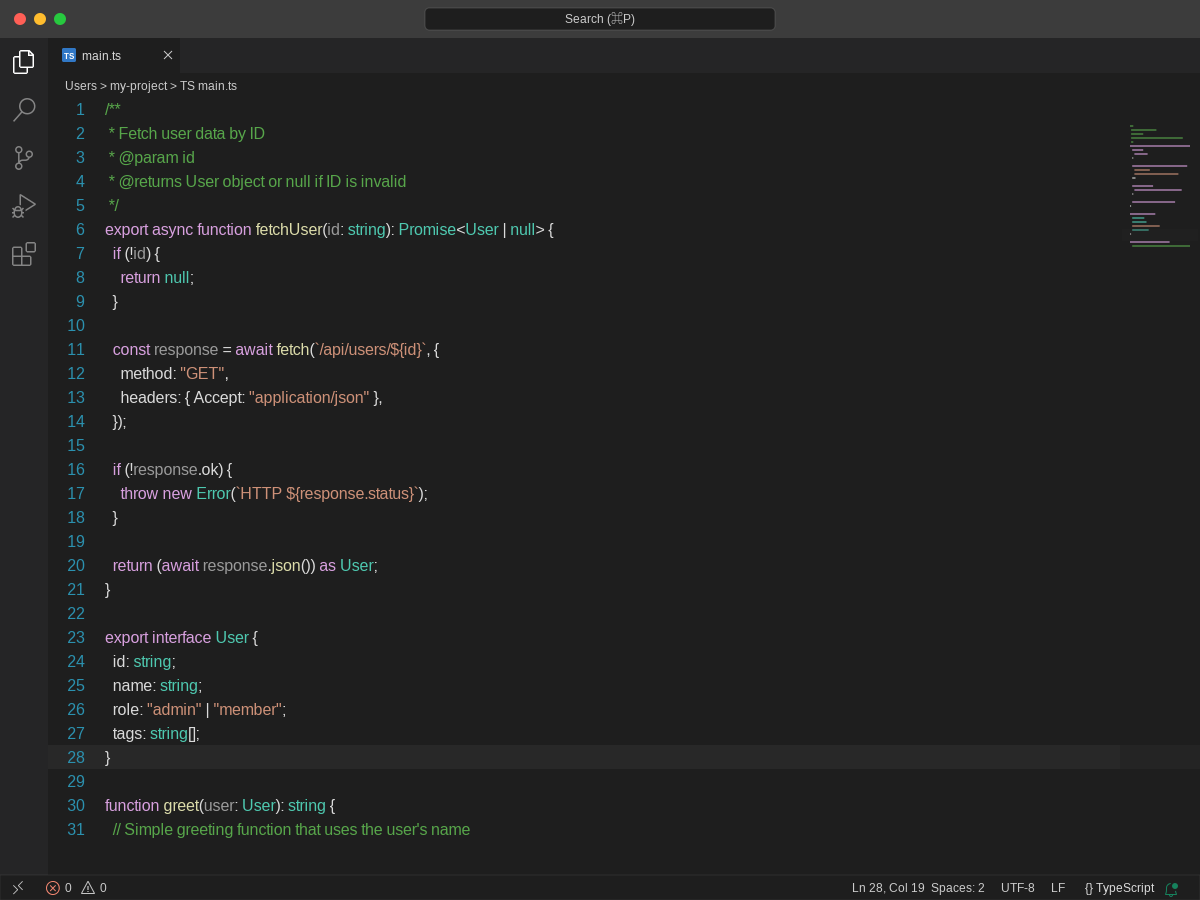
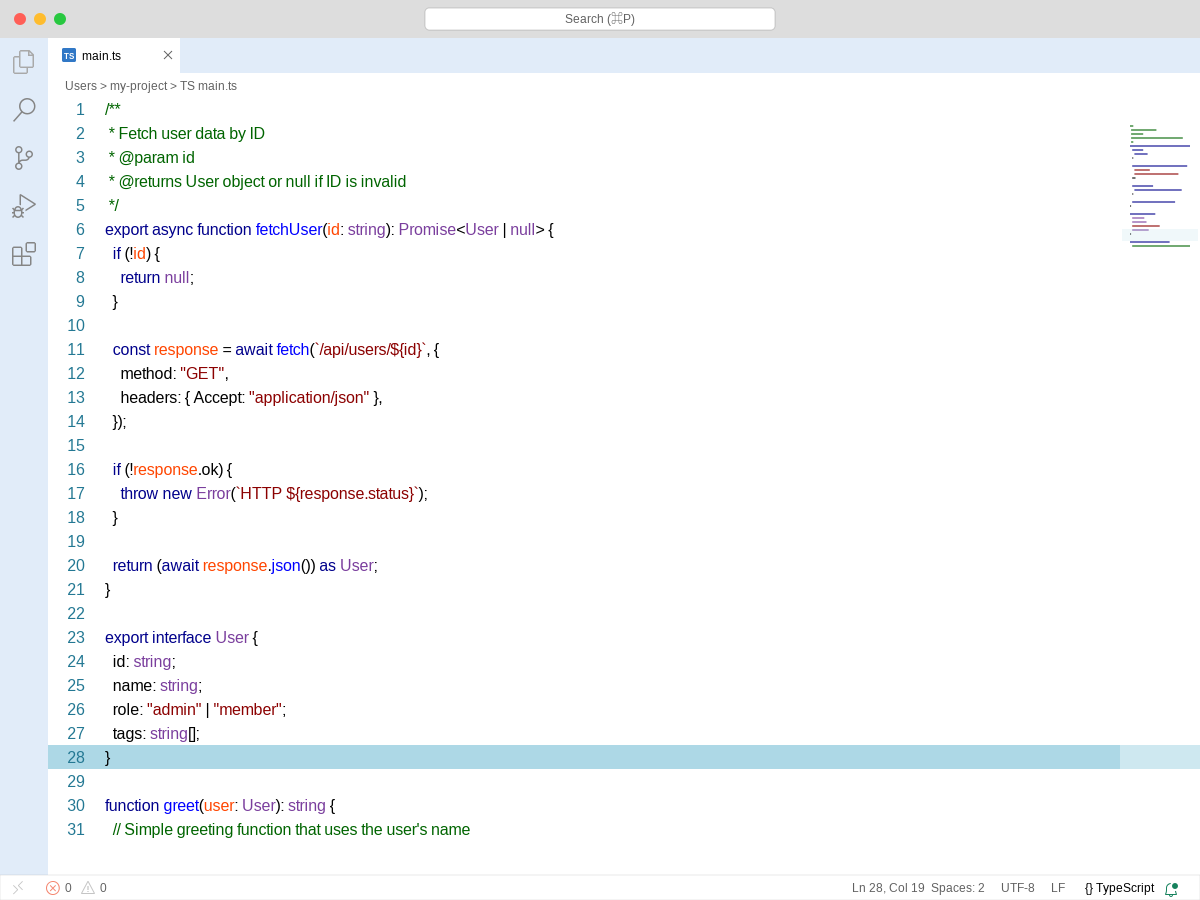
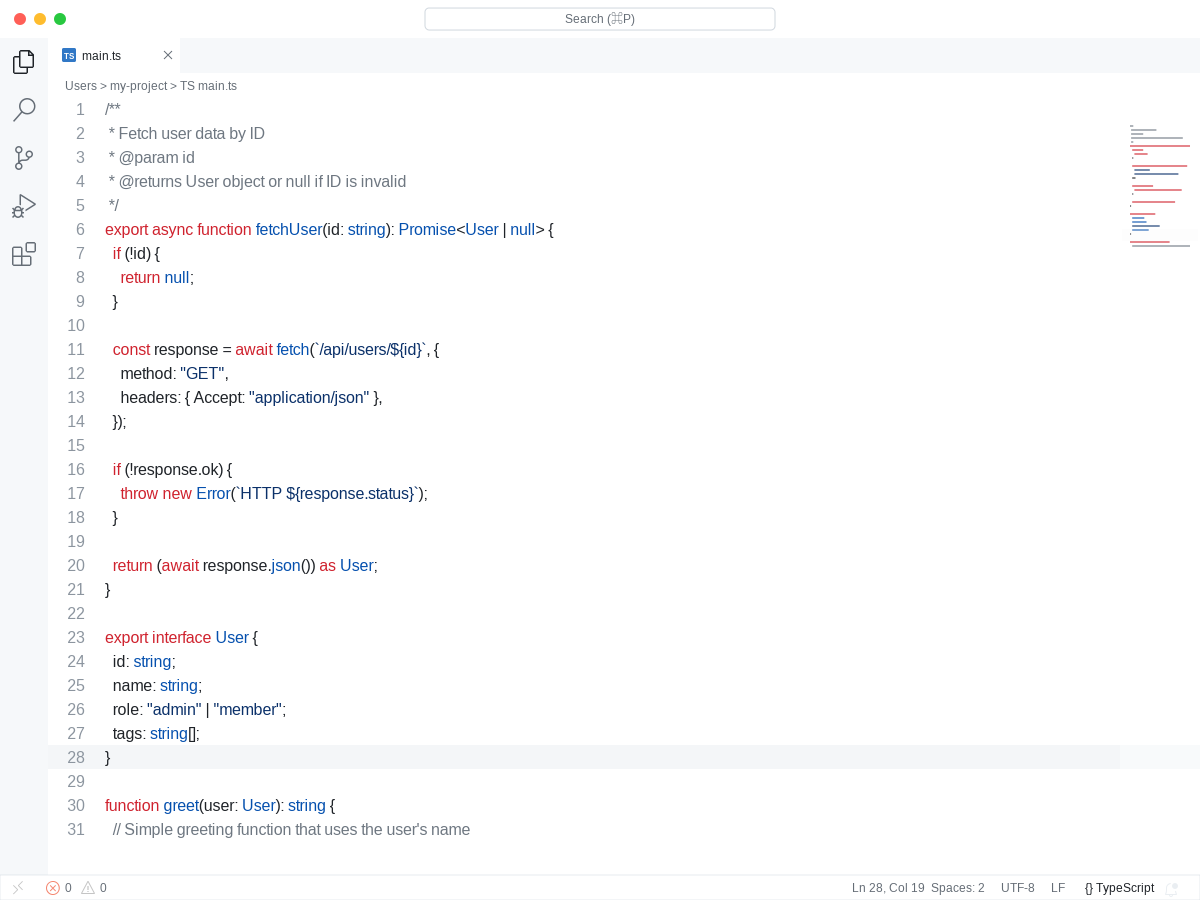
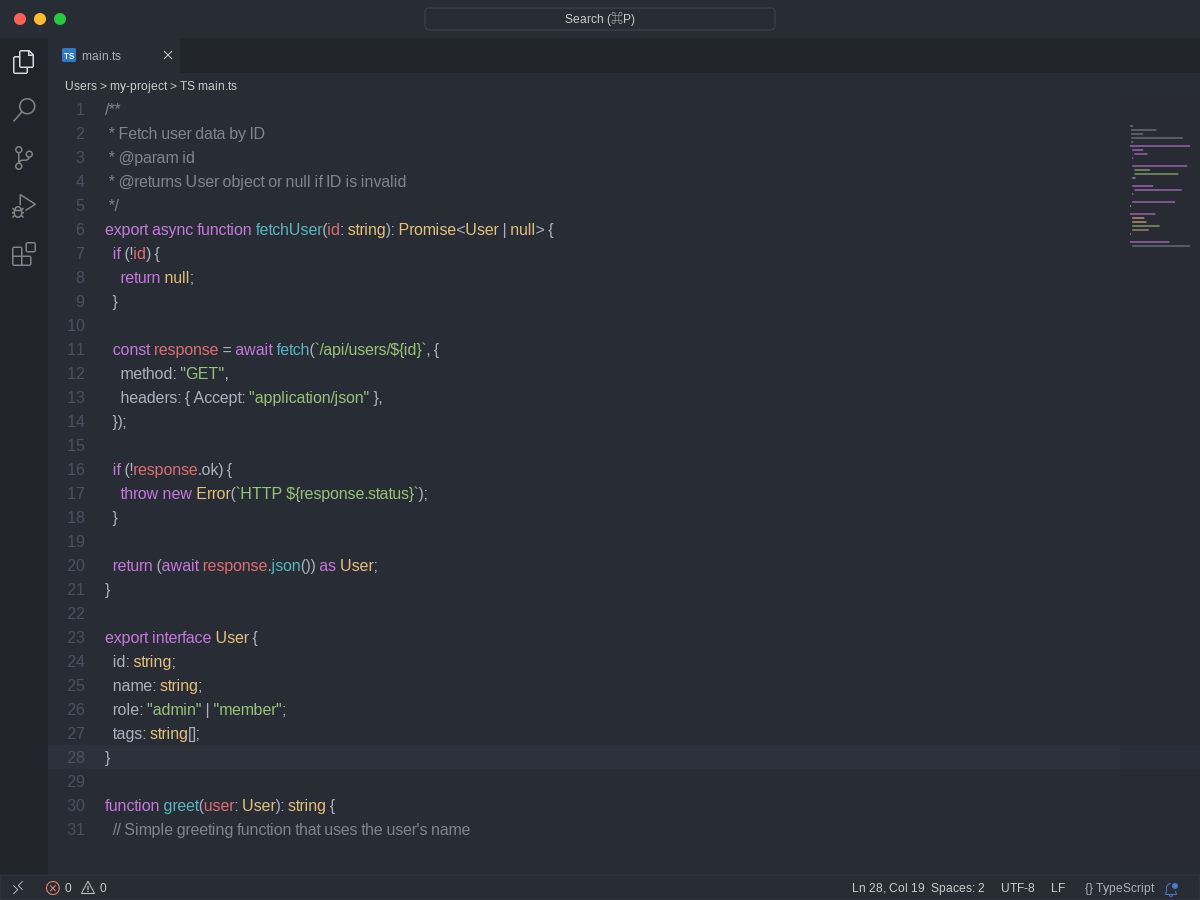
Coding Theme lets you explore Visual Studio Code themes, Ghostty terminal palettes, Zed editor themes, and community Obsidian themes with live previews — no installs, just the colors and the setup details.
VS Code
Theme extensions from the VS Code marketplace.
Ghostty
Terminal palettes with exact built-in names, 16-color ANSI swatches, and copy-ready config.


Zed
Editor themes from the Zed extension registry, with syntax colors and settings.json names.


Obsidian
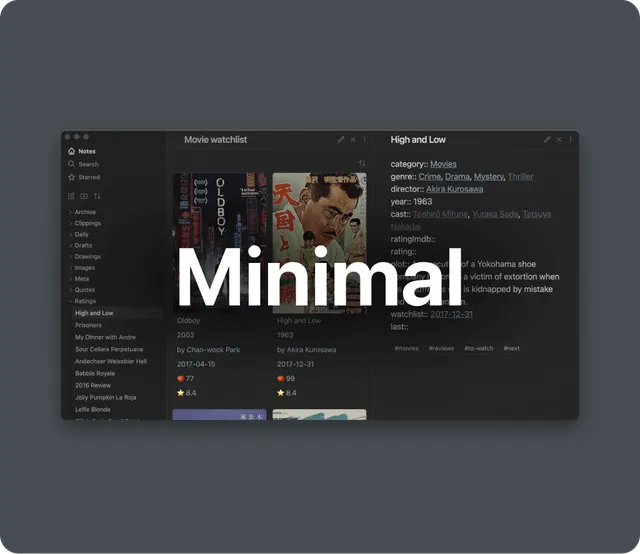
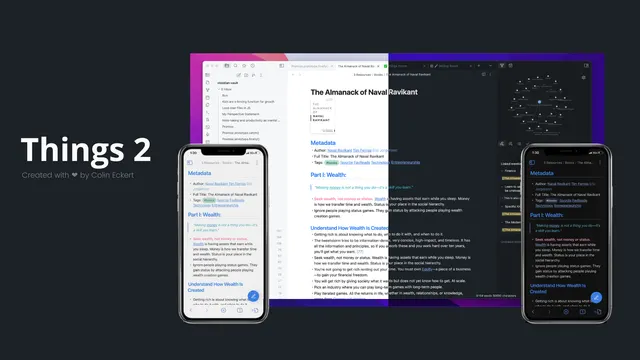
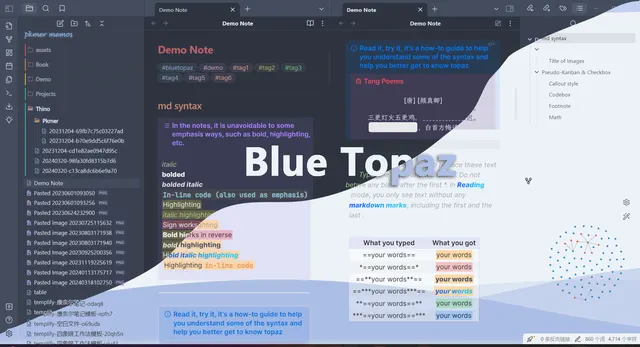
Community app themes with screenshots, dark and light palettes, and the exact download counts from the official directory.

Guides & Color Reference
Curated theme comparisons and documentation for customizing VS Code workbench colors and syntax tokens.
- Best VSCode ThemesCurated breakdown of top VS Code themes by contrast, installs, and reading comfort.
- Dark Purple Theme for VS CodeCompare dark purple VS Code themes side by side with exact hex palettes and ratings.
- VS Code Theme Color ReferenceLook up official workbench color IDs with live UI mockups and popular theme values.
- TextMate Token Scope ReferenceExplore syntax token scopes for keywords, strings, comments, types, and functions.